EN


How to Compare Patient Monitors for Adult, Pediatric, and Neonatal Care
Choosing a Patient Monitor is not a matter of buying the longest specification sheet. A monitor that works well in a general adult ward may be a poor fit for a pediatric unit or neonatal setting if its sensors, alarm behavior, display workflow, and validation evidence do not match the patients and staff who will use it. From a hospital procurement perspective, the most useful comparison starts with clinical workflow and then tests whether each proposed configuration supports it.
This article provides a practical way to compare a Patient Monitor across adult, pediatric, and neonatal care. It is a procurement and configuration framework, not clinical guidance or a substitute for local policy, biomedical engineering review, or professional judgment.
Begin with the care setting, not the feature count
A Patient Monitor should be compared against the patient population, acuity, monitoring duration, and response pathway in the intended area. Adult med-surg, recovery, emergency, ICU, pediatric, and neonatal workflows can all require different combinations of parameters, accessories, alarm routing, and staff training. More accurately, the important question is not whether a function exists, but whether it solves a documented task in the target workflow.
Before comparing models, ask each department to define:
- Which parameters are required at admission, during routine observation, and during escalation?
- Whether monitoring is intermittent, continuous, bedside-only, transport-based, or centrally observed.
- Who responds to alarms, where escalation occurs, and how settings are handed over between shifts.
- Which sensors, cuffs, probes, mounts, batteries, network connections, and accessories are needed for each patient group.
This first step prevents a common error: treating a shared housing and screen as proof that one configuration fits every area.
Compare the core monitoring platform first
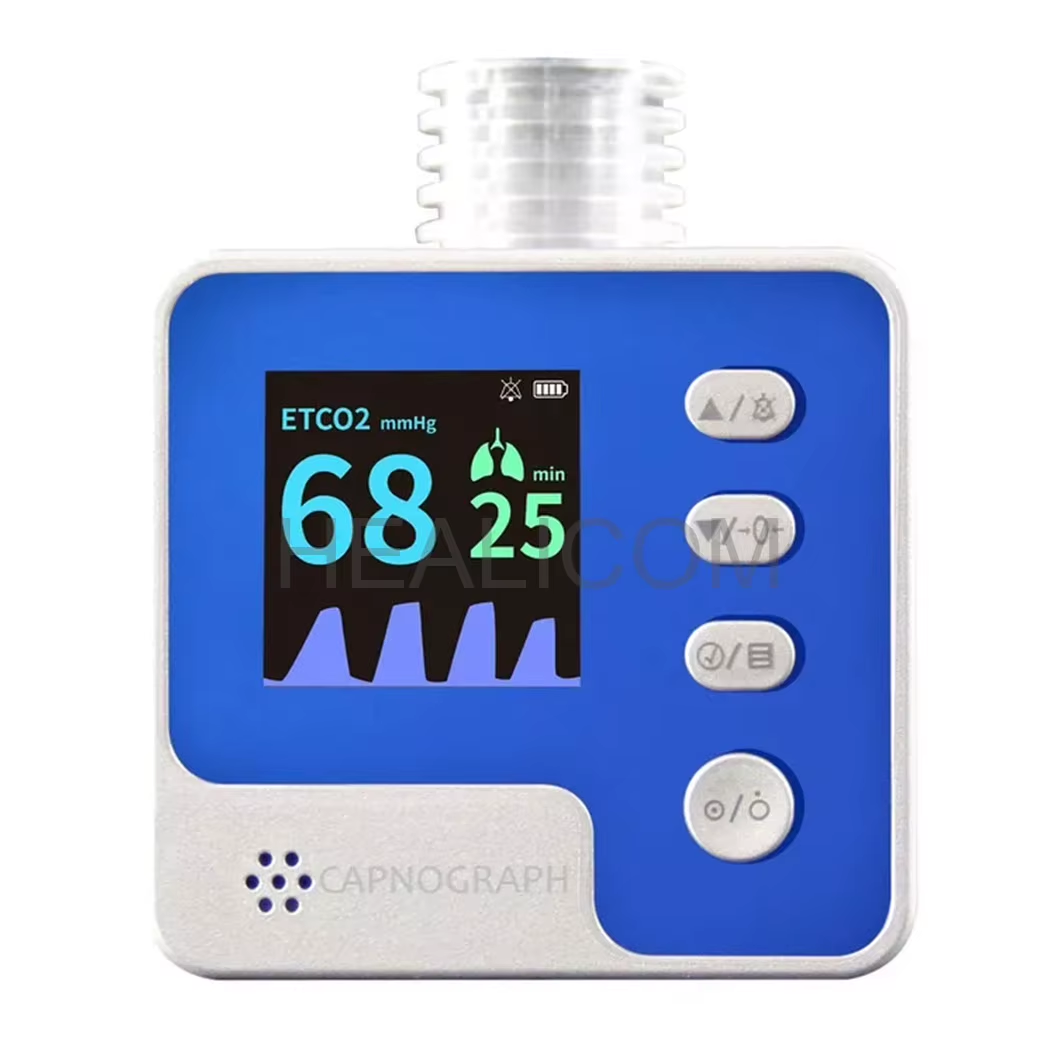
For any Patient Monitor, create one comparison sheet that separates standard functions from optional modules and accessories. Typical checks include ECG, respiration, non-invasive blood pressure, SpO2, temperature, invasive pressure, and capnography where the intended use requires them. Record not only whether a parameter is available, but also how it is acquired, displayed, trended, alarmed, exported, and serviced.
| Comparison area | What to verify | Why it matters |
|---|---|---|
| Parameter set | Required parameters, channels, optional modules, and simultaneous use limits | Prevents comparing unlike configurations |
| Alarm workflow | Priority levels, adjustable limits, audible/visual behavior, event review, and escalation integration | Supports an actionable response path rather than alarm overload |
| Accessories | Population-specific ECG leads, cuffs, SpO2 sensors, temperature probes, and reusable/disposable options | Accessories often determine real-world suitability |
| Data and connectivity | Network compatibility, central patient monitoring system integration, documentation workflow, and cybersecurity review | Helps the device fit existing information flow |
| Lifecycle support | Installation, training, preventive maintenance, repair turnaround, software support, and spare-part plan | Affects sustainable availability after purchase |
A modular patient monitor may be helpful when acuity varies among locations, but modularity is not automatically the right answer. Confirm the permitted module combinations, configuration changes, staff familiarity, and acceptance-testing process before treating flexibility as a benefit.
Adult care: prioritize workflow coverage and consistent configuration
For adult care, start with the actual unit type rather than assuming all adult patients have the same needs. A bedside Patient Monitor for routine observation may emphasize clear vital-signs acquisition, cuff sizing, repeatable setup, and documentation. Higher-acuity adult environments may need additional channels, continuous monitoring, robust alarm management, data review, and a clear plan for transport.
Request a demonstration using representative adult workflows: admission setup, cuff placement, electrode changes, alarm acknowledgement, trend review, and handover. Also test how the unit behaves when a signal is poor or an accessory is disconnected. These practical checks can reveal more than a feature list.
Pediatric care: validate fit, signal behavior, and usability at smaller sizes
Pediatric monitoring requires the team to verify the specific patient ranges covered by the device labeling and the accessories offered with the configuration. Do not assume that an adult Patient Monitor becomes suitable for children simply because it displays the same parameters. Cuff selection, probe design, cable management, display readability, and alarm configuration should be reviewed with pediatric users.
Pulse oximetry is a useful example. The World Health Organization describes pulse oximetry as a non-invasive measure of arterial oxygen saturation and notes that monitoring can be continuous or intermittent depending on clinical context. For a pediatric workflow, confirm which sensor types are appropriate, how signal quality is shown, and how staff will respond when movement or perfusion affects readings. The FDA also notes that several factors can influence pulse oximeter readings, including poor circulation, skin pigmentation, skin thickness, skin temperature, tobacco use, and fingernail polish. That is a reason to validate the system and train users, not to draw a diagnosis from a display.
When comparing a multiparameter patient monitor for children, ask the supplier to document the intended population, compatible accessories, alarm test approach, cleaning instructions, and available training materials. Your team should also decide how alarm limits and review practices will be governed under local policy.
Neonatal care: treat population-specific evidence as a gate
A neonatal patient monitor should be assessed as a distinct configuration with its own intended-use evidence, accessories, response expectations, and validation plan. Neonatal workflows can be sensitive to sensor size, cable weight, thermal environment, alarm settings, skin considerations, and the need to reduce unnecessary disturbance. The correct setup depends on the unit’s policies and clinical leadership, so a generic “pediatric mode” should not be accepted as proof of neonatal suitability.
For shortlisted systems, request the manufacturer’s documentation for neonatal use, compatible sensor and cuff ranges, alarm and display behavior, performance-validation information, cleaning instructions, and service requirements. FDA materials on pulse-oximeter evaluation discuss considerations for neonatal, pediatric, and adult populations, as well as alarms and performance testing. Use this as a prompt to check the device labeling and the evidence supplied for the exact monitor-and-accessory combination being proposed.
Here, a comparison should also include workflow trials with nurses and biomedical engineering staff. Can the Patient Monitor be positioned safely? Are cables and sensors manageable during care? Are alarm messages understandable during a busy shift? Is the escalation path clear? A monitor is only useful when its information can be acted on reliably.
Use alarms and connectivity as decision criteria
Alarm behavior is often the difference between a monitor that fits a unit and one that creates avoidable work. Compare adjustable limits, priority hierarchy, pause and reset behavior, event storage, signal-quality indicators, and auditability. Then map those functions to the local alarm-management process. A Patient Monitor with advanced alerts still needs clearly assigned responders, documented training, and acceptance testing.
Likewise, evaluate connectivity as a workflow question. If a central patient monitoring system, electronic documentation process, or network is involved, include IT and biomedical engineering early. Confirm interoperability requirements, cybersecurity review steps, downtime behavior, user access controls, and the data that must be visible at the point of care. Do not assume that a network port or a broad integration claim proves compatibility with an existing environment.
Run a like-for-like procurement comparison
Build a final matrix using identical clinical scenarios and configuration boundaries. List each proposed Patient Monitor with its included parameters, optional modules, population-specific accessories, mounting or transport needs, software, central-station requirements, training, warranty, and service plan. Compare total deployment requirements rather than only unit price.
- Document adult, pediatric, and neonatal use cases separately.
- Define the required monitor configuration and compatible accessories for each use case.
- Ask suppliers for population-specific labeling, manuals, test evidence, and service documentation.
- Conduct a structured demonstration or acceptance test with clinical, nursing, IT, and biomedical engineering representatives.
- Record unresolved questions and make them contractual or pre-delivery verification items.
The most defensible choice is usually the system that meets the defined workflow with a clear evidence trail and manageable support plan, not necessarily the one with the most options. If you are planning a project, request a configuration checklist that names the patient groups, required parameters, accessories, alarm expectations, connectivity conditions, and acceptance criteria before asking for a final quotation.
Final takeaway
To compare a Patient Monitor for adult, pediatric, and neonatal care, use a population-specific, like-for-like process. Start with the care workflow, validate the intended population and accessories, test alarm and data pathways, and include lifecycle support in the decision. This approach makes it easier for procurement teams to separate useful capability from a feature list and to document what must be verified before deployment.
 Hot News